

Your job
Design a small advertisement that invites students to a school making session. You will build an editable Photoshop file, make a deliberate layout choice, repair a fault and explain one decision. This is a starting-point check so your teacher can plan useful practice.
You may ask for help. Your teacher will record the help used during the individual attempt. Approved access supports remain available. Speed, confidence and prior Photoshop experience are not separate points.
What to hand in
- Your layered PSD before and after revision.
- A PNG viewing copy at 1200 × 1500 pixels.
- A short record of your decision, help and next step.
- A live action or equivalent recorded demonstration arranged with the teacher.
Common induction before scoring
The teacher models a small composition in short chunks. Watch the action, try it with support, then move to the individual brief. Practice files are not treated as independent evidence.
| Action to model | Expected result | Common fault and repair |
|---|---|---|
| File > New; set width 1200 px, height 1500 px, RGB, 8 bit. Save as a PSD. | A portrait working file with a named editable master. | Check the unit is pixels rather than inches. Save in an accessible class folder. |
| File > Place Embedded; select badge-A.png; commit the placement. Rename the placed layer Badge. | The source artwork is on its own layer. | If the wrong layer is active, select the Badge layer in the Layers panel before editing. |
| Select the circular badge with the Elliptical Marquee tool. Add a mask with Layer > Layer Mask > Reveal Selection. | The outer grey square is hidden; the circle remains. | If the outside remains and the circle disappears, undo and check which area was selected. An approximate edge is acceptable during induction. |
| Select the mask thumbnail. Use Brush (B): black hides, white reveals. Demonstrate one small hide/restore action. | The artwork remains intact while visibility changes. | If colour appears on the artwork, undo, then click the mask thumbnail. Do not flatten the file. |
| Use Type (T) for a headline and supporting event details. Use Edit > Free Transform (Ctrl/Cmd+T) for composition. | Text remains editable and the reader can find the message. | Check which layer is active. Commit an edit before selecting another tool. |
| Save the PSD. Export a PNG using File > Export > Export As, then reopen the output. | Both an editable source and a viewing copy exist. | An exported PNG is not the editable master. Check actual output dimensions. |
Source: Adobe’s current layer-mask guidance. The circle is a deliberately simple diagnostic stimulus. This task does not assess advanced photographic selection.
PS-A · Maker Night
Audience: students who have not tried the making studio. Message: everyone can bring an idea and make a first version.
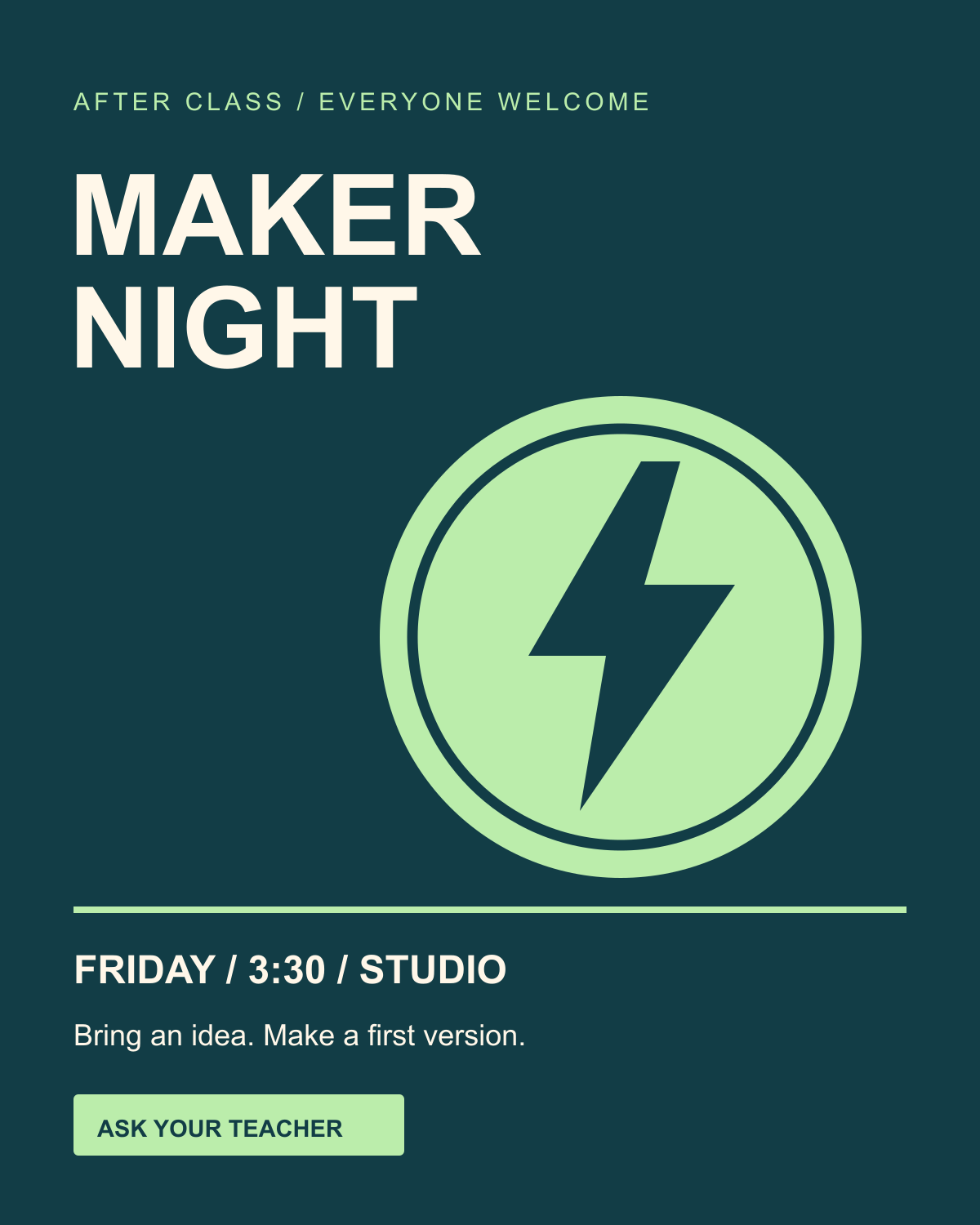
Use source A and these exact information items: MAKER NIGHT; Friday · 3:30 · Studio; Ask your teacher. Keep the text editable. You choose the layout, sizes, background colour and spacing.
- Create the specified portrait file and place the badge on its own layer.
- Mask the grey background so the badge sits cleanly on your chosen background. Keep the source reversible.
- Create a clear reading order for the event, supporting details and action. Do not put essential small text over a busy edge.
- Save
PS-A_ID_v1.psd. Ask a partner what they notice first; record their answer before explaining your intention. - Make one useful revision. Save
PS-A_ID_v2.psdand exportPS-A_ID.png. - During the teacher check, show the mask, restore a small area without destroying the source, then repair it. Explain why the correct thumbnail matters.
Changed-condition check
Give every learner both short checks, across the live observation and revision: “Your headline competes with the badge; make the event the first read,” and “A small part of the badge has disappeared; locate and repair the responsible mask area.” Predict the effect before editing. Then perform the edit and explain whether the result matched the prediction. Everyone gets a transfer opportunity; an extra format is not required to earn band 4.
PS-B · Repair Café
Use this 2–3 weeks later after targeted teaching. Use source B, the same 1200 × 1500 pixel format, the same four criteria, comparable working time and equivalent access supports.
Audience: students curious about repairing rather than replacing items. Message: bring a small repair idea and ask for help.
Required text: REPAIR CAFÉ; Thursday · 3:30 · Studio; Ask your teacher. Compose from the supplied source, preserve editable text and a reversible mask, test the reading order, save v1/v2, and explain an independent repair. The changed-condition check uses the same type of mask or hierarchy fault as PS-A, in a different position.
Save PS-B_ID_v1.psd, PS-B_ID_v2.psd and PS-B_ID.png. Use the same help log. The new topic and mirrored geometric asset provide a changed task; equivalence should be checked through local moderation.
Timing and teacher evidence
| Minutes | Activity |
|---|---|
| 0–5 | Context, access and prior experience note. |
| 5–17 | Common teacher model. |
| 17–27 | Guided practice; resolve setup barriers. |
| 27–52 | Individual task. Record any instructional help during this segment. Teacher samples 4–6 learners. |
| 52–62 | Reader response, revision and output check. Preserve the earlier version. |
| 62–70 | Submit, record next action and arrange remaining live checks. |
The individual attempt can continue in the next class when required. Do not give a learner a lower level because the teacher did not reach them. Record incomplete evidence and finish the rotation during subsequent production work.
Assessment anchors
| Criterion | 1 · Beginning | 2 · Developing | 3 · Independent | 4 · Transfer |
|---|---|---|---|---|
| Editable control | The file cannot yet be revised at the required layer or mask. | The edit works in part; a relevant repair needs an instructional hint. | The student selects the right control, hides/restores the required area and preserves editable content. | The student adapts the mask or layer arrangement to the changed condition and explains the choice. |
| Message and hierarchy | The event or main message cannot be read from the submitted design. | The event is identifiable but competing elements or unreadable detail weaken the message. | The intended audience can identify the event, supporting detail and action in a deliberate reading order. | A changed communication priority retains a clear message through a justified recomposition. |
| Diagnosis and revision | The visible fault is not located and the attempted edit does not address it. | A relevant change occurs after a hint; its effect is only partly checked. | The student identifies the fault, changes a relevant cause and checks the before/after result. | The student diagnoses a new but related fault, tests a repair and explains a trade-off. |
| Explain and transfer | The student cannot yet connect the chosen control or design to its effect. | The explanation names a tool or preference but needs prompts to connect cause and effect. | The student points to the actual file and explains how a decision produces its visible effect. | The student predicts a changed-condition result, performs the change and explains the result accurately. |
Task score: sum four observed ratings; possible range 4–16. Suggested readiness: lowest core criterion, with a cap of 2 when instructional hints or modelling were needed during the scored attempt. The teacher records the band, rationale and next check. Keep access supports distinct from task-solving help. Missing evidence stays blank.
Useful supports and extensions
Provide a printed sequence, larger UI, extra processing time, prepared source download, an assistive input device or a written/recorded explanation when appropriate. Log the support. A reduced layer count is acceptable if the same mask, hierarchy, repair and explanation evidence can still be demonstrated. If an outcome changes, record a different task rather than treating the score as directly comparable.
After the core is secure, invite a square-format adaptation or an alternative audience message. Keep the required criteria stable: more decorative effects do not automatically produce a stronger band. Pair coaching is practice; the final change and explanation belong to the individual.